Explore the World with Google Earth
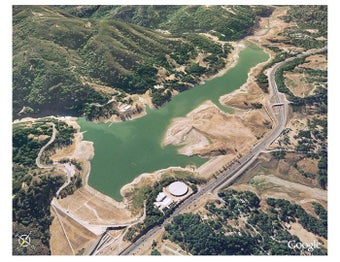
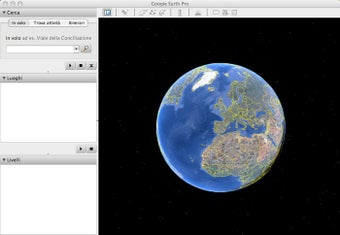
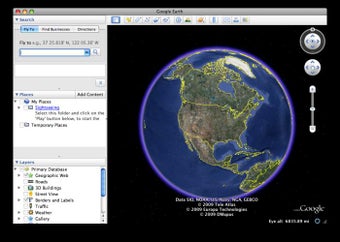
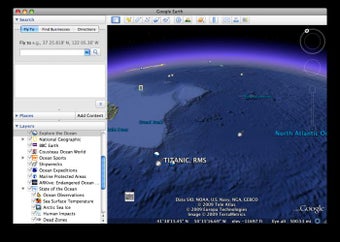
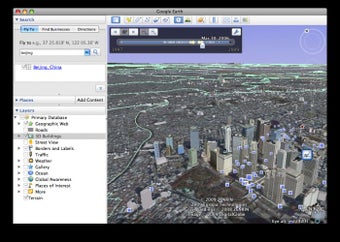
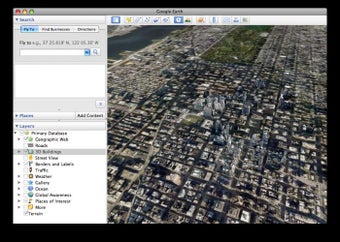
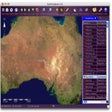
Google Earth, developed by Google, is an interactive geographic exploration tool that lets users navigate the globe through 3D imagery, satellite data, and Street View integration. Available as a free desktop application for Mac, it provides an immersive way to visualize places, study landscapes, and observe global changes. Its intuitive interface makes it valuable for students, educators, researchers, and anyone interested in exploring the world virtually.
Top Recommended Alternative

Designed for Discovery and Learning
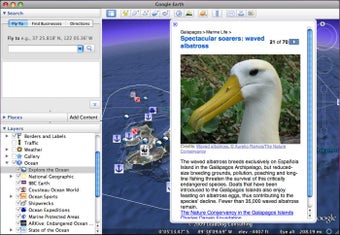
The platform includes Voyager, which offers guided tours and curated educational experiences covering topics like climate change, culture, and natural wonders. Another highlight, Timelapse, allows users to view decades of satellite imagery to observe how cities, forests, and coastlines have evolved. These features help turn geographic exploration into a meaningful learning tool for classrooms and environmental studies alike.
Effortless Navigation and Visualization
Using simple mouse or trackpad controls, users can zoom, tilt, and rotate the digital globe smoothly. Inputting coordinates, place names, or landmarks instantly focuses on specific areas of interest. Tools like distance measurement and polygon drawing allow users to estimate travel paths or analyze land areas. While Google Earth is not a full trip-planning tool, the combination of Street View and 3D perspectives makes it useful for previewing destinations and understanding terrain layouts.
Advanced Functionality for Professionals
For technical users, Google Earth Pro expands these capabilities with options to import GIS data (KML, KMZ, and shapefiles), measure area and elevation, and record virtual tours. These features support fields such as urban planning, research, and environmental analysis. The desktop version performs reliably on macOS, though rendering large 3D scenes can demand higher processing power on older hardware.
A Unique Resource for Curious Minds
Google Earth remains one of the most versatile visualization platforms for education, exploration, and professional use. Its accessible interface, rich imagery, and continuous updates make it a practical tool for understanding geography and global change. Although imagery quality and update frequency vary by region, its depth and interactivity continue to make it an engaging way to explore the planet from a desktop.